AI keyboard for mobile
Type normally. Speak when it is faster. Use AI when it helps.
AiType is an AI keyboard for iPhone and Android with voice typing, speech to text, grammar cleanup, rewrites, smart replies, AI chat, clipboard, contacts, GIFs, and emoji.
iPhone and Android
Voice typing and AI cleanup
Works in the apps you use
Familiar typing
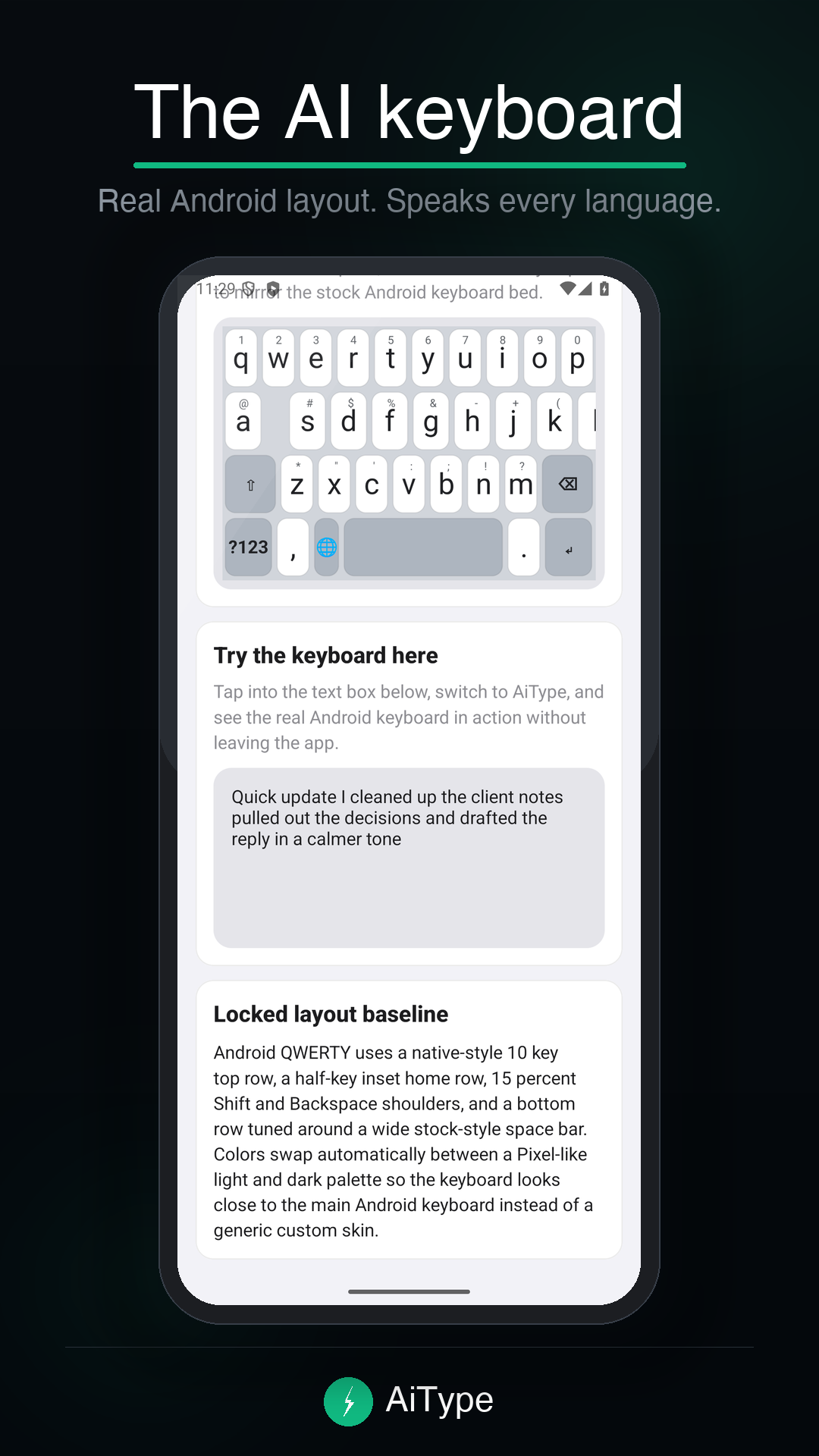
QWERTY, swipe, suggestions, and the controls you expectKeep typing when that is the fastest choice. AiType adds writing tools without turning every message into an AI workflow.
Useful toolbar
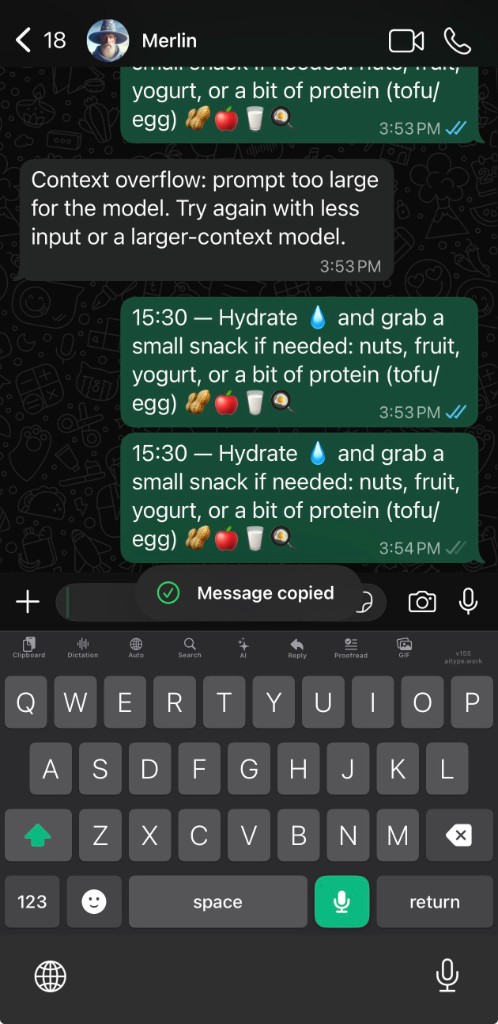
Dictation, Reply, Rewrite, Proofread, AI chat, and moreKeep the most useful actions close to the text field instead of copying text into another app.
One mobile keyboard
Both mobile apps put voice typing and AI writing tools directly in the keyboard. Store billing and keyboard setup stay with Apple or Google on the platform you use.
Built for everyday writing
The keyboard stays familiar. The toolbar does more.
Voice typingSpeak naturally, then turn rough dictation into a cleaner message, note, prompt, email, or caption.
Grammar and rewriteProofread spelling and punctuation, improve clarity, or change the tone without rebuilding the message.
Smart repliesUse copied or typed context to draft a response from the keyboard where the conversation already lives.
AI chatAsk for writing help when you need a longer answer, then bring the result back into the same workflow.
Clipboard and contactsKeep useful clips, email addresses, and contact details close when a message needs them.
GIFs and emojiSearch and send the visual response you want without switching keyboards for every message.
Private processing
Use voice and AI without turning your keyboard into a data archive.
AiType does not store audio, does not retain dictated text after normal processing, and does not use your data to train models. See the full details in Privacy & Security and Data Controls.
Questions
AI keyboard answers before you install.
What is an AI keyboard?
An AI keyboard adds voice typing, grammar cleanup, rewrites, smart replies, and AI chat to the keyboard you use inside other apps.
Does AiType work on iPhone and Android?
Yes. AiType is available for iPhone on the App Store and for Android on Google Play.
Can AiType help with grammar and replies?
Yes. AiType can proofread grammar and punctuation, rewrite tone, and draft replies from copied or typed context.
How do I install the keyboard?
Install the app, sign in, and follow the setup steps to enable AiType in your phone's keyboard settings. See iPhone setup or Android setup.
Get the AiType AI keyboard.
Choose your phone, enable the keyboard once, and keep voice typing and AI writing tools where you already write.