Developers

Capture prompts, PR feedback, and working notes without breaking the coding flow.

AiType is strongest for developers who already know what they want to say and want a faster route into Cursor, docs, tickets, chat, and mobile follow-up. See the Privacy Policy and Data Controls for current processing, retention, and sharing details.

Use AiType when a rough spoken thought is easier than typing the first pass. Dictate the structure, clean it up, and keep moving in the editor, PR, or chat thread you were already in.

Cursor and Codex friendly Docs, PRs, and prompts Desktop plus iPhone No server-side transcript history
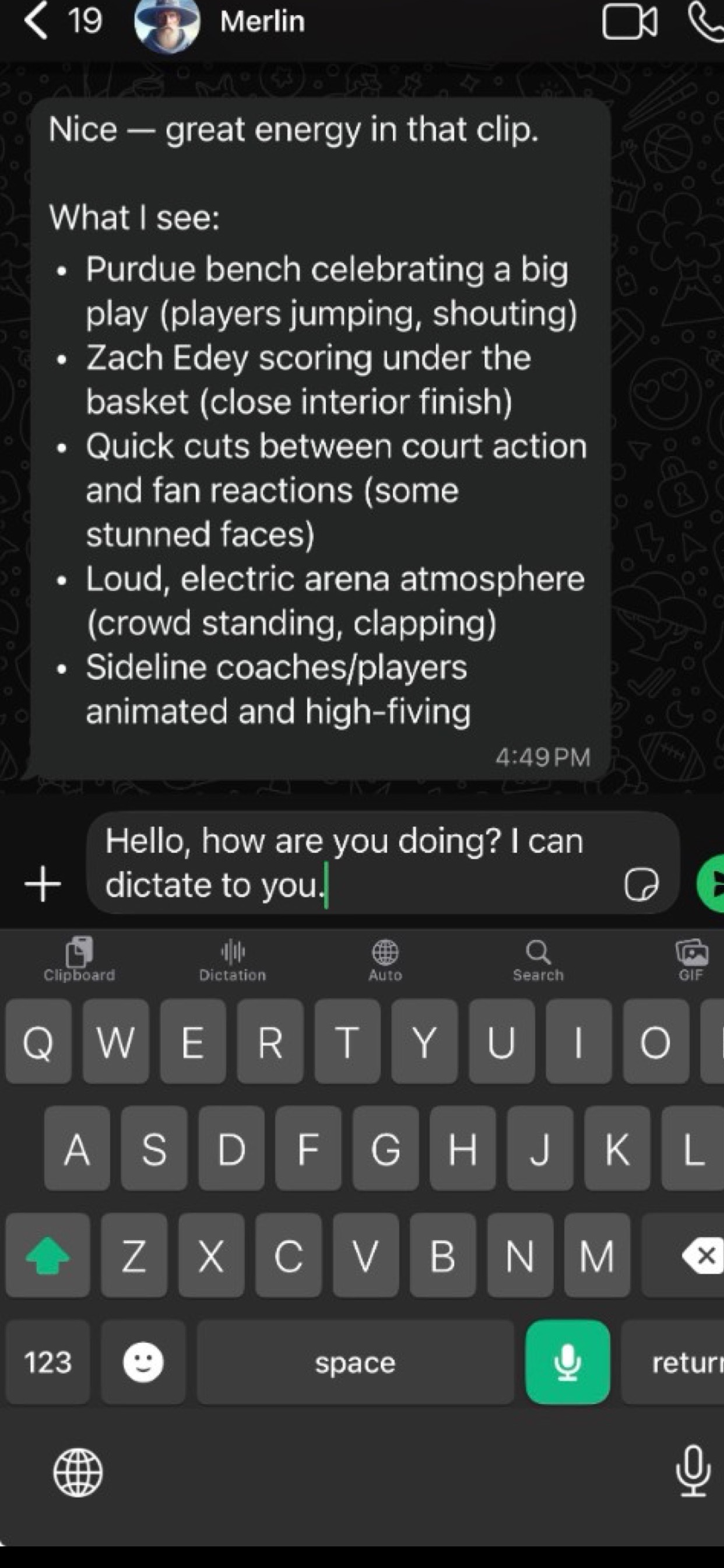
Actual AiType iPhone keyboard with a dictated draft in a chat field
Real iPhone capture: dictate into the app you are already using, then review the draft before sending.
Where it fits

Code reviews and PR comments

Talk through what changed, what worries you, and what should happen next. Cleanup turns rough speech into something your team can actually read.

Where it fits

Specs and task breakdowns

When the idea is already clear in your head, dictating the outline is often faster than typing the first draft from zero.

Where it fits

Prompt queues for agents

Speak multiple task blocks quickly, then clean them into structured prompts for Cursor, Codex, or your own internal tools.

Privacy

Know how drafts are handled

Normal dictation, proofread, rewrite, reply, and chat requests are processed transiently. Share links are explicit, encrypted at rest, and time-limited. Read the Privacy Policy and Data Controls for current details.

Why it works

AiType helps when the shape of the thought matters more than the first keystrokes.

  • Fast cleanup keeps technical structure while removing filler.
  • Smart cleanup is there when you need a cleaner, send-ready version.
  • Saved clipboard and history make repeated prompts easy to reuse.
  • iPhone keyboard support helps when the reply happens away from the laptop.
Good examples
  • Explaining a bug reproduction path
  • Summarizing a review decision
  • Dictating a sprint handoff
  • Talking through a task list for agents
Typical output

Use voice for the rough structure, then let cleanup make it readable.

Prompt block

Queue multiple agent tasks without manually typing every instruction line by line.

PR review

Capture the reasoning once, then refine it into a comment that is clear instead of rushed.

Technical note

Use AiType like a fast first-pass buffer before the thought cools off.

Start with the developer workflow.

Use desktop capture for docs, code, and prompts, then keep the same account on iPhone for mobile follow-up.